for trades

Quote it right. Win it. Get it done.

Find work in Marketplace, read the site in Properties before you price, and keep the record in Project Management.

Already have an account? Sign in

You don't need another lead feed. Nobody's selling your number here and nobody sells you a lead. You find the work you want, you quote, you win. From the award on, the job keeps its own record in Project Management and you're both reading the same one. Your licence, insurance and ABN sit on your profile so they get read next to your price instead of chased afterwards. And before you put a number on anything you can check the site: zoning, overlays, what the council allows. Takes a minute. Saves the drive.

Urban Pulse is an Australian construction platform: site intelligence, town planning, contractor marketplace, Send & Sign, and project management in one workspace.

Find work and quote it

Search Marketplace for jobs in your trades and service areas. You find the work, you quote it, you win it. Nobody buys your details and nobody sells you a lead.

Set your service areas and the work you take on, then filter the open board by trade and region.

Price off the site, not off a phone call

The gap between a good price and a bad one is usually something about the site nobody mentioned. Put the address in and you get the zone, what the council allows on it, the overlays sitting over it and the likely approval path, in plain English. Do it before you agree to go and look at the place. It's site information, not planning advice.

If we can't match the address to a property you get nothing: no zone, no default. If it matches but your council's own controls aren't mapped, the figures are the state scheme's default and they're labelled as that rather than as your council's schedule. Any overlay layer we didn't read shows as Not checked. Not checked is not an all-clear.

Where the controls are mapped, the read goes past the zone. Maximum height, maximum storeys, front, side and rear setbacks, maximum site coverage, minimum garden area, car parking. Path Advisor names the likely route, complying development, a development application, or exempt, and what would push the work into a full DA. That's the difference between a price that holds and a variation you have to argue for in month four.

Show your credentials once, not on every job

Your licence, insurance and ABN sit on your profile, right where the customer is already looking when they read your price. That isn't Urban Pulse certifying you. We record what you give us, we don't check it against a register, and the customer still makes their own checks.

What it does mean is you stop attaching the same three PDFs to every email. Keep the record current and it does the introducing for you, on every job you quote.

Run the work and keep the proof

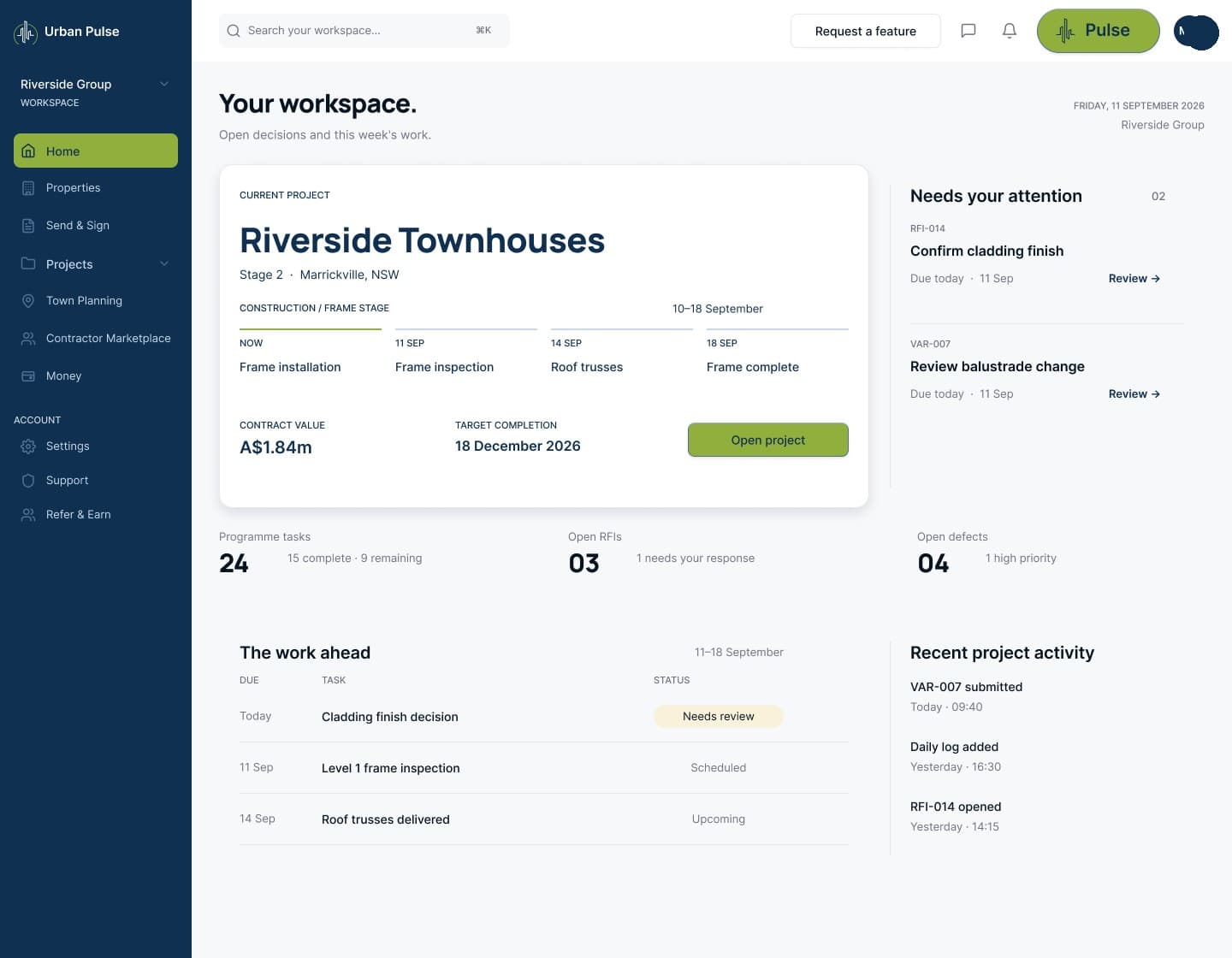
From the award on, Project Management holds the job's own record: the programme and the milestones, the daily log, the photos, every variation as it's raised, the defects and the RFIs.

You're contributing to the same record you get measured against, and the customer is reading it too. So the day a date is argued about, it's already written down.

what changes for you

From a bought lead to a chosen job

You chose the work, you priced it off the site, and the job kept its own record. That's the whole shape of it.

Work you chose to quote

Search, compare, quote and win. Set your service areas and the work you take on.

Check the site before you price

Put the address in and read the zone, what the council allows, the overlays we read and the likely approval path.

Credentials recorded once

Licence, insurance and ABN sit on your profile beside your quote. We record them rather than checking them against a register, and the customer still checks.

A quote that is on the record

What you priced, when you sent it and what was agreed sits on the job record rather than in an email thread.

Variations signed as they happen

Send a variation and the customer opens a private link, reads it and signs on the same page, with no account to create.

The proof of what you did

Programme, daily log, photos, variations, defects and RFIs on one job record, dated as they happen.

how it works

Found, priced, won, recorded

step 1

Find the work

Search Marketplace for jobs in your trades and service areas.

step 2

Read the site

Address in. Zone, overlays and the likely approval path out, before you price a thing.

step 3

Price it

Quote the work with your licence, insurance and ABN sitting on your profile beside the number.

step 4

Win the work

The customer compares quotes and awards. No lead was sold.

step 5

Do it and record it

Project Management holds the programme, the daily log, the photos, the variations, the defects and the RFIs, and the customer's reading the same record.

the broken process is the enemy, never the people

The same work, without the lead feed

A lead sold to you and four others, priced blind off a phone call.

Work you found yourself, priced off the site data.

The same three credential PDFs attached to every email.

Licence, insurance and ABN recorded once on your profile.

A verbal variation that nobody wrote down.

Every variation raised on the job record with a date on it.

questions we get asked

What trades ask

How do I get quoting work here?

Search Marketplace for jobs in your trades and service areas. You find the work, you quote it, you win it. Nobody buys or sells your details.

What can I see about a site before I price it?

Put the address in and you get the zone, what the council allows on it, the overlays we read and the likely approval path, in words rather than planning codes. Where the controls are mapped the envelope comes too: height, storeys, setbacks, site coverage, garden area and parking. It takes a minute.

Does it work where I take jobs?

Seven states: New South Wales, Victoria, Queensland, Western Australia, South Australia, Tasmania and the ACT. The read isn't identical in all of them. New South Wales is the only one where we pull the mapped overlays for you, so a Sydney job reads furthest. In Queensland we hold the council's own rules, so what comes back is your council rather than the state default. The Northern Territory is not live.

Does Urban Pulse check my licence and insurance?

No. Your licence, insurance and ABN are recorded on your profile so a customer can read them next to your quote. Recording them is not checking them against a register, and the customer still makes their own checks. Keeping the record current is on you, and it beats attaching the same PDFs to every email.

What do I have to keep on the job?

Project Management holds the job's record: the programme and milestones, the daily log, photos, every variation as it's raised, defects and RFIs. You're contributing to the same record you get measured against, so the day something is argued about the dates are already written down.

people also ask

People also ask

Is Urban Pulse a job board for trades?

Marketplace is where trades find work, quote it and win it. Search by trade, location and job type, then quote the work you want. No lead is sold. A trade's licence, insurance and ABN are recorded on their profile, and the customer still makes their own checks.

How can a trade check planning constraints on a property?

A trade can enter the address in Urban Pulse and Properties returns the zone, what the council allows, the overlays it read and the likely approval pathway in plain English, with the envelope where the controls are mapped. Layers it did not read are listed as Not checked, and figures from the state scheme's default are labelled as that. It is site information, not planning advice.

What does a trade get for free on Urban Pulse?

Free on Urban Pulse covers a stub profile. It is a usage cap rather than a trial, so nothing switches off after a set number of days. Posting work and quoting on Marketplace requires a paid plan.

Quote it right. Get it done.

We take a work email and nothing else. Nothing gets created here: no account, no organisation, no plan. We'll tell you when you can read a site and find work to quote.

Already have an account? Sign in